
Control which cart totals are displayed and customize the summary box and applied coupon badge.

Totals & savings
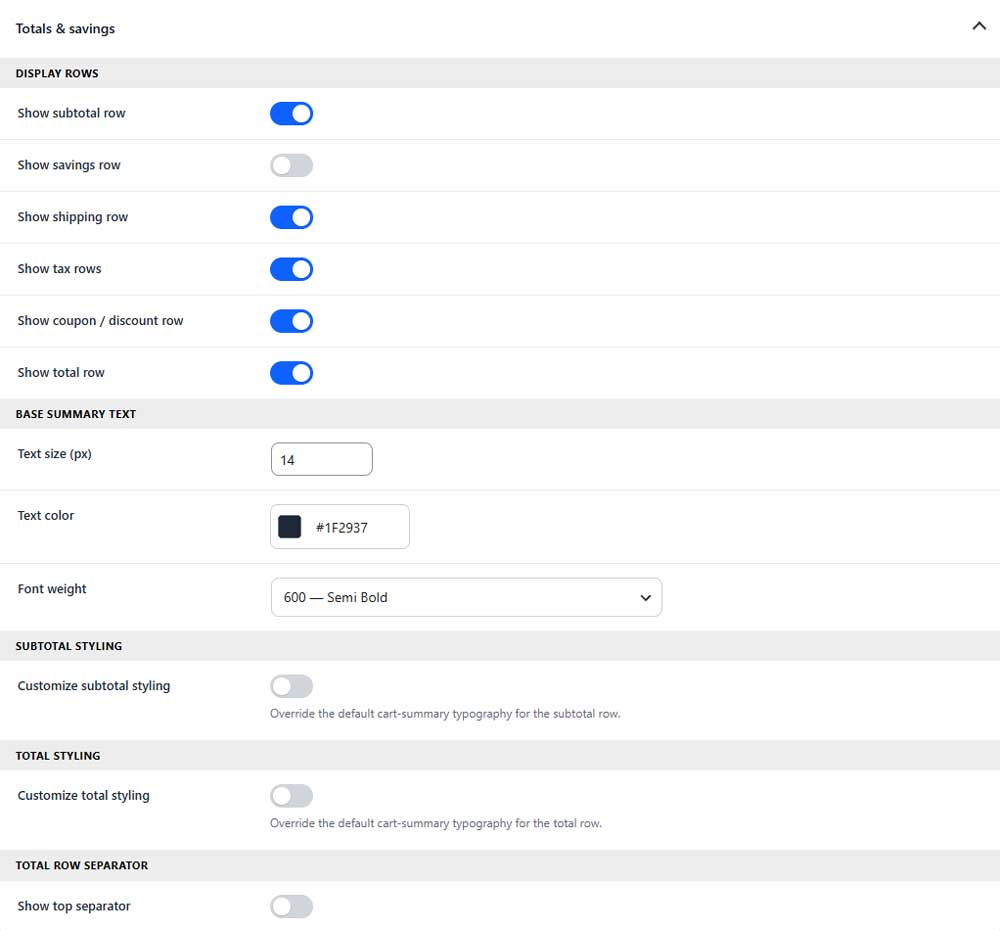
Display rows
Show subtotal row
Shows or hides the cart subtotal.
Show savings row (PRO)
Shows or hides the customer’s total savings.
Show shipping row
Shows or hides the shipping amount.
Show tax rows
Shows or hides applicable tax amounts.
Show coupon / discount row
Shows or hides applied coupon and discount amounts.
Show total row
Shows or hides the final cart total.
Base summary text
Text size
Sets the default font size for summary rows.
Text color
Sets the default text color for summary rows.
Font weight
Controls how light or bold the summary text appears.
Subtotal styling (PRO)
Customize subtotal styling (PRO)
Enables separate typography settings for the subtotal row.
Total styling (PRO)
Customize total styling (PRO)
Enables separate typography settings for the total row.
Show top separator (PRO)
Displays a separator line above the total row.
Totals box
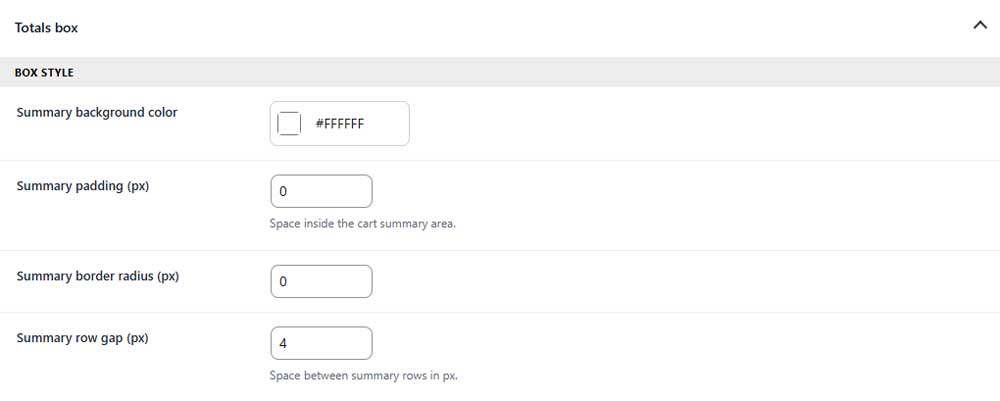
Summary background color
Sets the background color of the cart summary area.
Summary padding (PRO)
Sets the inner spacing of the summary area.
Summary border radius (PRO)
Controls how rounded the summary box corners appear.
Summary row gap (PRO)
Controls the space between summary rows.
Applied coupon badge
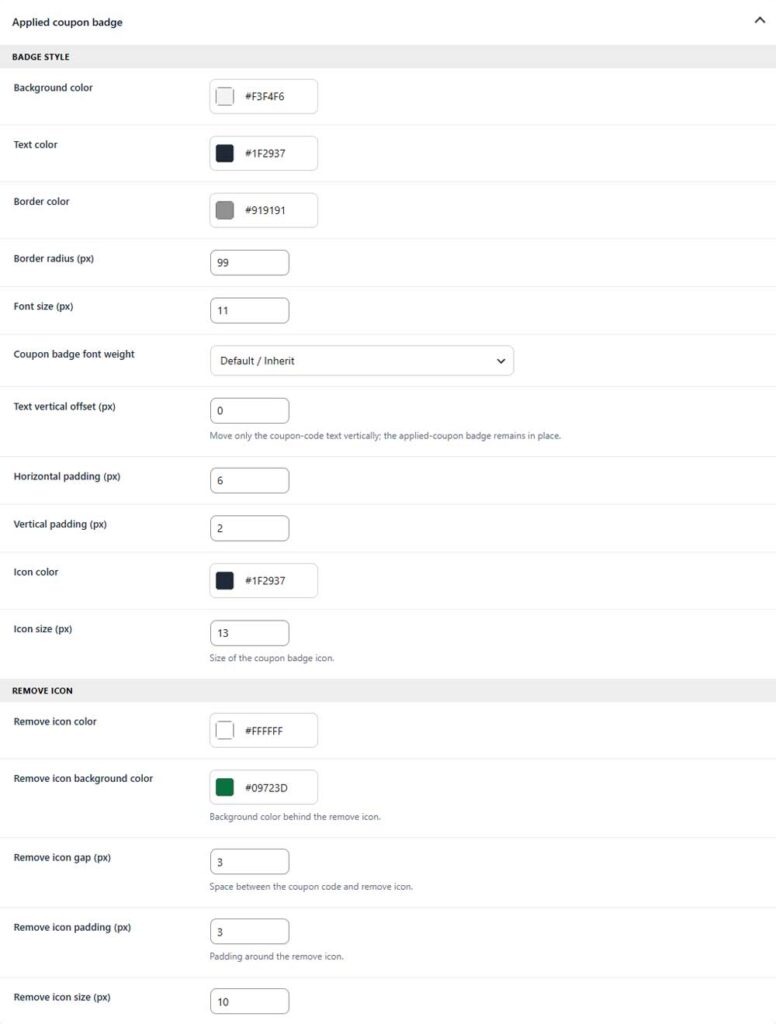
Badge style
Background color
Sets the background color of the applied coupon badge.
Text color
Sets the color of the coupon code.
Border color
Sets the color of the badge border.
Border radius
Controls how rounded the badge corners appear.
Font size
Sets the font size of the coupon code.
Coupon badge font weight
Controls how light or bold the coupon code appears.
Text vertical offset
Moves only the coupon code text up or down inside the badge.
Horizontal padding
Sets the left and right spacing inside the badge.
Vertical padding
Sets the top and bottom spacing inside the badge.
Icon color
Sets the color of the coupon badge icon.
Icon size
Sets the size of the coupon badge icon.
Remove icon
Remove icon color
Sets the color of the remove icon.
Remove icon background color
Sets the background color behind the remove icon.
Remove icon gap
Controls the space between the coupon code and remove icon.
Remove icon padding
Sets the spacing around the remove icon.
Remove icon size
Sets the size of the remove icon.