
Customize the appearance of the reward bar, progress bar, messages, milestone icons, and milestone text.

Reward bar

Background color
Sets the background color of the rewards section.
Progress bar
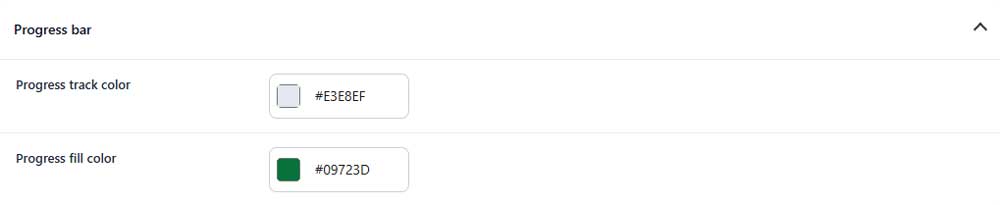
Progress track color
Sets the color of the empty progress track.
Progress fill color
Sets the color of the filled progress bar.
Message typography
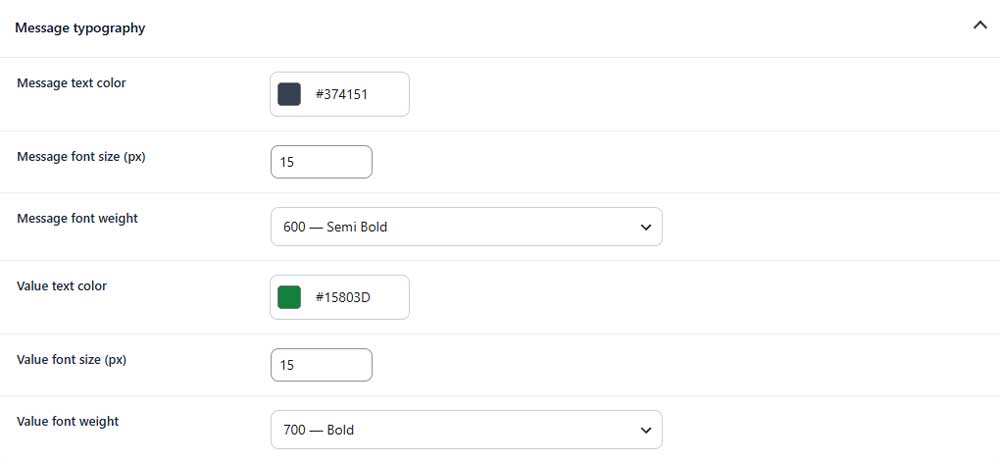
Message text color
Sets the color of the main reward message.
Message font size
Sets the font size of the reward message.
Message font weight
Controls how light or bold the reward message appears.
Value text color
Sets the color of highlighted values, such as the remaining amount.
Value font size
Sets the font size of highlighted values.
Value font weight
Controls how light or bold highlighted values appear.
Milestone icons
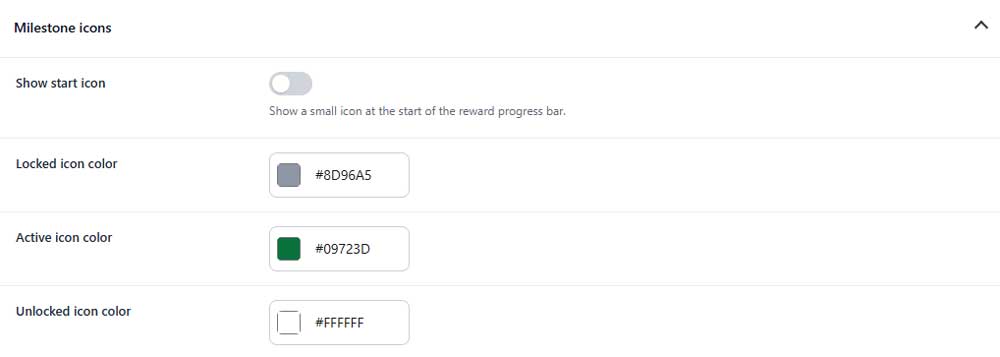
Show start icon (PRO)
Shows or hides a small icon at the beginning of the reward progress bar.
Locked icon color
Sets the color of milestone icons that are not yet unlocked.
Active icon color
Sets the color of the current active milestone icon.
Unlocked icon color
Sets the color of milestone icons that have already been unlocked.
Milestone labels
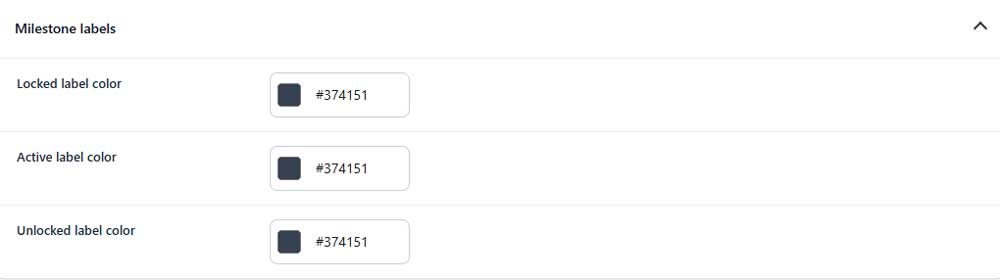
Locked label color
Sets the color of labels for locked milestones.
Active label color
Sets the color of the label for the current active milestone.
Unlocked label color
Sets the color of labels for unlocked milestones.
Milestone values
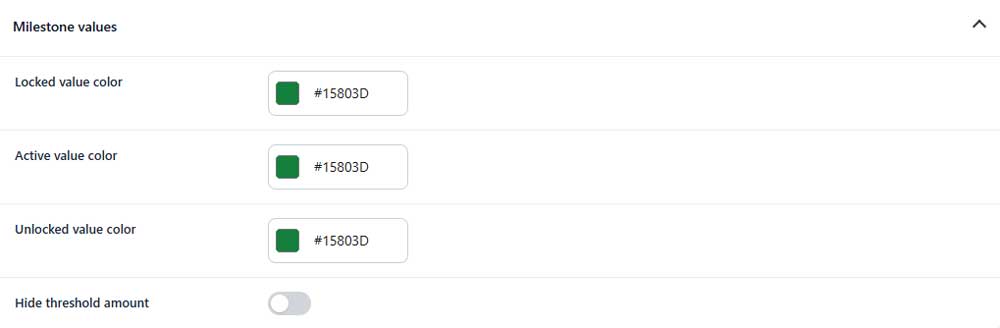
Locked value color
Sets the color of threshold amounts for locked milestones.
Active value color
Sets the color of the threshold amount for the current active milestone.
Unlocked value color
Sets the color of threshold amounts for unlocked milestones.
Hide threshold amount (PRO)
Hides the milestone amount values from the reward bar.