
Customize the appearance of the floating cart button, count badge, and hover state.

Button
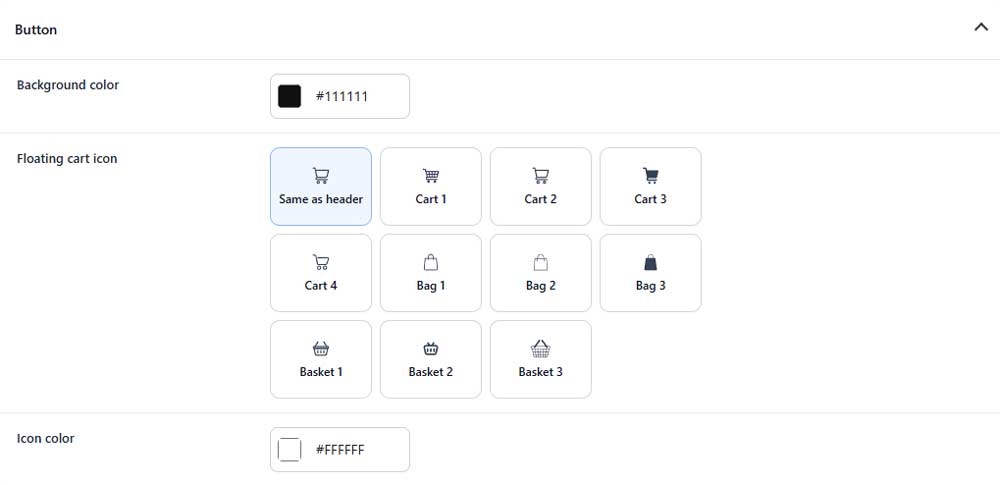
Background color
Sets the background color of the floating cart button.
Floating cart icon
Selects the cart, bag, or basket icon used in the button.
Icon color
Sets the color of the floating cart icon.
Count badge
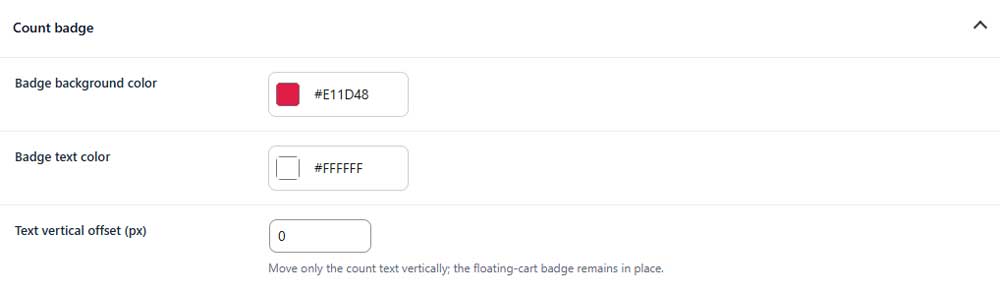
Badge background color
Sets the background color of the item count badge.
Badge text color
Sets the color of the item count.
Text vertical offset
Moves only the count text up or down inside the badge.
Hover state (PRO)
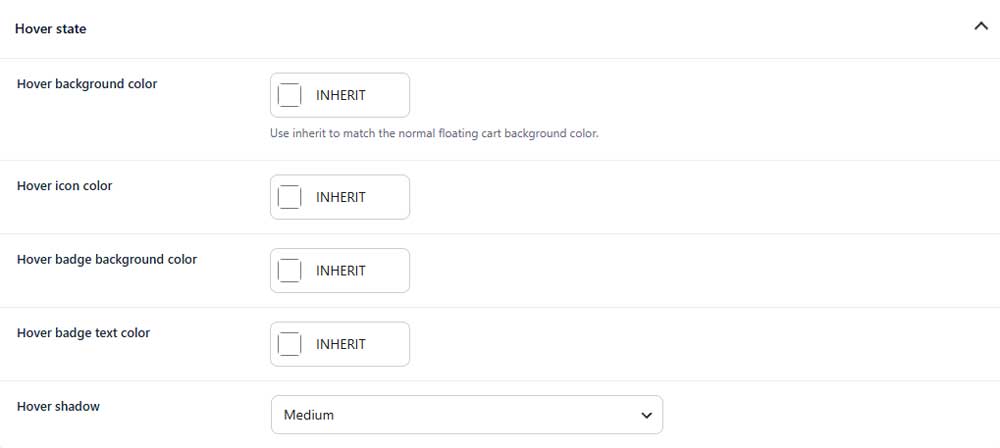
Hover background color (PRO)
Sets the button background color on hover.
Hover icon color (PRO)
Sets the icon color on hover.
Hover badge background color (PRO)
Sets the count badge background color on hover.
Hover badge text color (PRO)
Sets the count badge text color on hover.
Hover shadow (PRO)
Selects the shadow applied to the floating cart button on hover.