
Customize the message, layout, icon, and button shown when the cart is empty.

Content
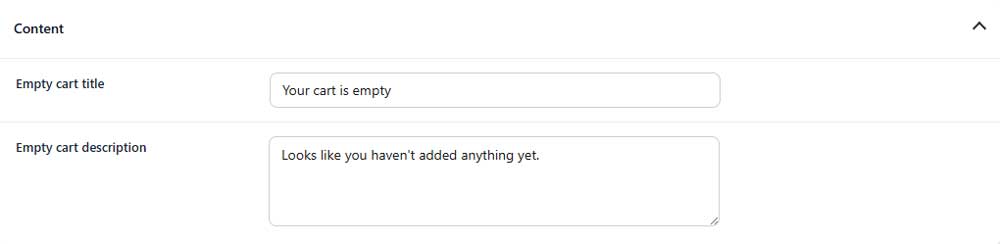
Empty cart title
Sets the main heading displayed when the cart is empty.
Empty cart description
Adds supporting text below the empty cart title.
Icon

Show empty cart icon
Shows or hides an icon above the empty cart message.
Layout
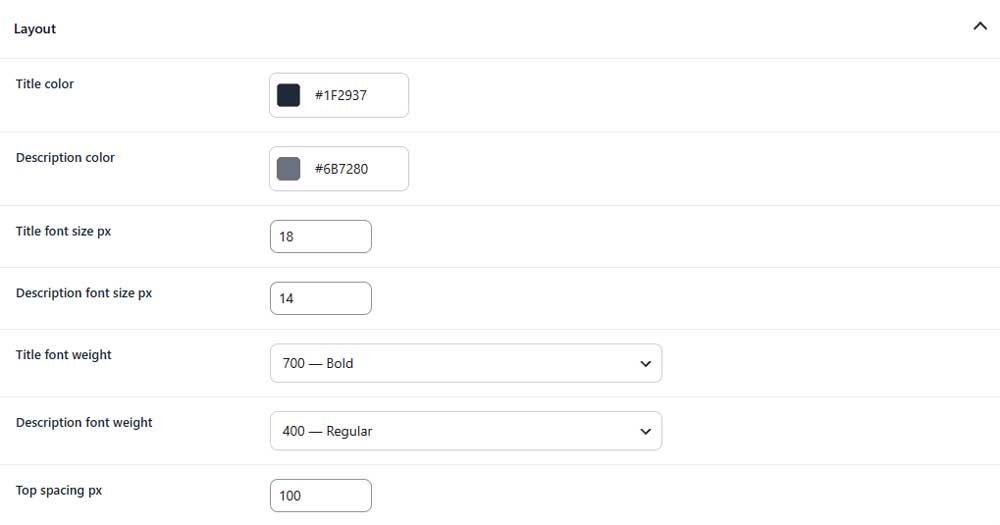
Title color
Sets the color of the empty cart title.
Description color
Sets the color of the empty cart description.
Title font size
Sets the font size of the empty cart title.
Description font size
Sets the font size of the description.
Title font weight
Controls how light or bold the title appears.
Description font weight
Controls how light or bold the description appears.
Top spacing
Controls the space above the empty cart content.
Button
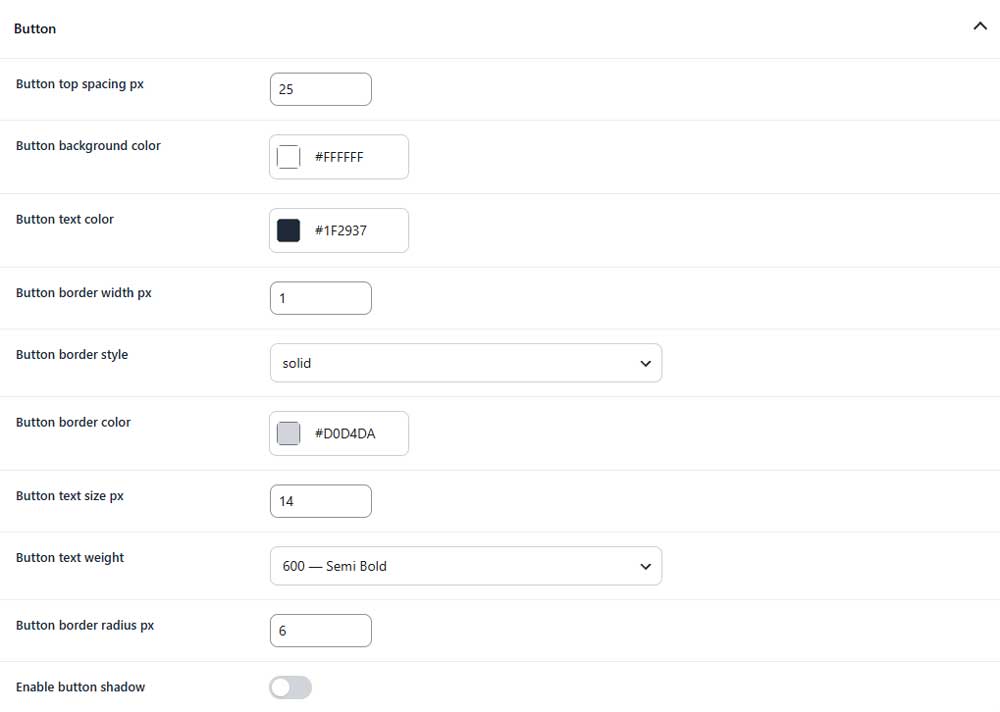
Button top spacing
Controls the space above the button.
Button background color
Sets the background color of the button.
Button text color
Sets the color of the button text.
Button border width
Sets the thickness of the button border.
Button border style
Selects the style of the button border.
Button border color
Sets the color of the button border.
Button text size
Sets the font size of the button text.
Button text weight
Controls how light or bold the button text appears.
Button border radius
Controls how rounded the button corners appear.
Enable button shadow (PRO)
Adds or removes a shadow around the button.