
Configure how the drawer opens, looks, and behaves across desktop and mobile devices.

Drawer behavior
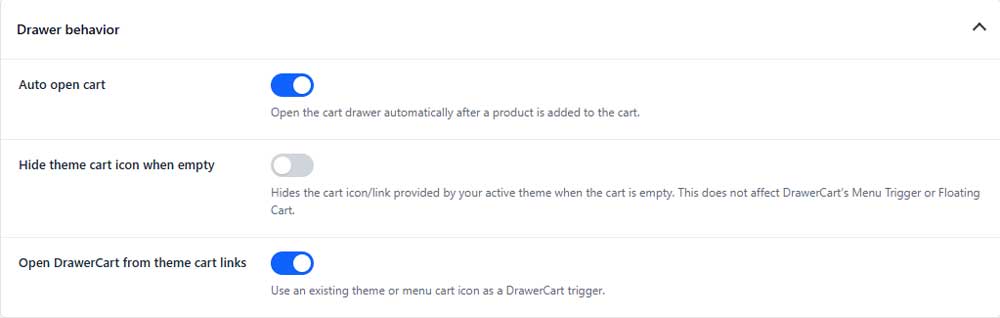
Auto open cart
Automatically opens the drawer after a product is added to the cart.
Hide theme cart icon when empty
Hides your theme’s cart icon or link when the cart is empty.
Open DrawerCart from theme cart links
Uses your existing theme or menu cart links to open the drawer.
Drawer size & style
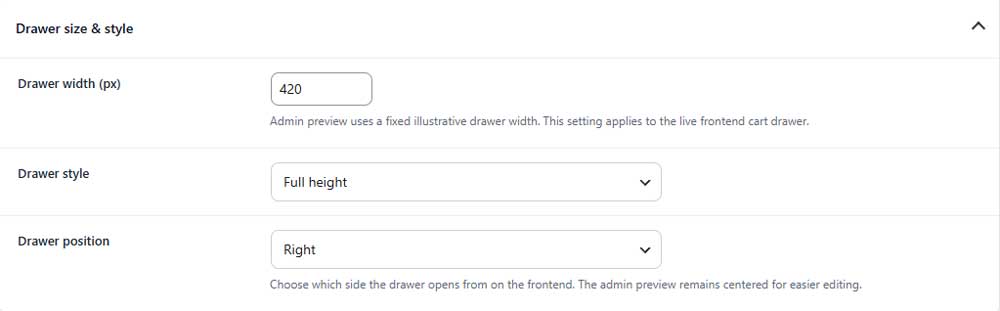
Drawer width
Sets the width of the drawer on desktop devices.
Drawer style (PRO)
Choose whether the drawer uses a full-height or contained layout.
Drawer position
Choose whether the drawer opens from the left or right side.
Background

Background color
Sets the main background color of the drawer.
Typography
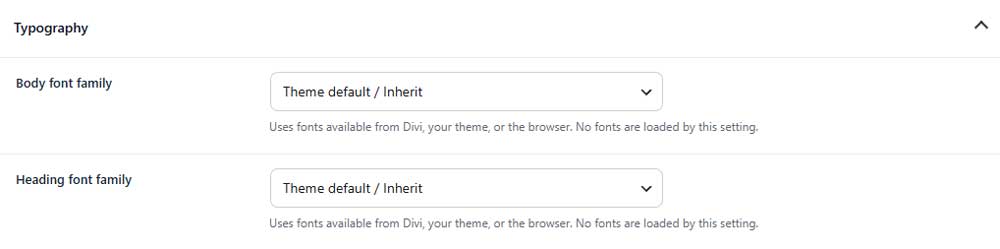
Body font family
Selects the font used for regular text inside the drawer.
Heading font family
Selects the font used for headings and titles.
Sticky sections

Sticky drawer layout
Choose which sections remain visible while the drawer content scrolls.
Animation
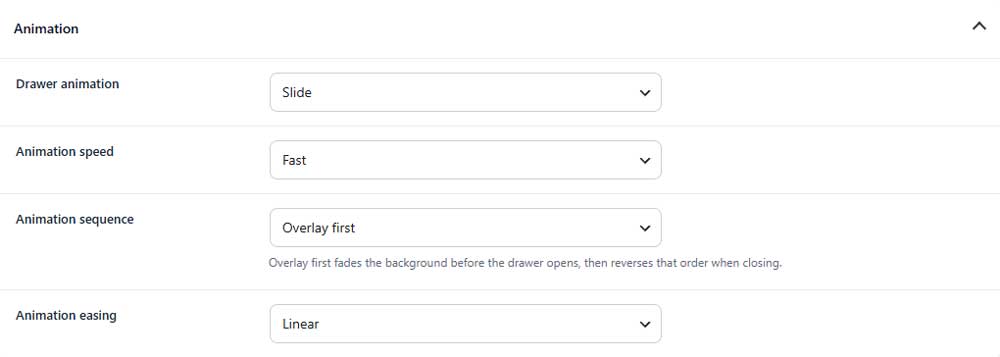
Drawer animation
Selects the animation used when the drawer opens and closes.
Animation speed (PRO)
Controls how quickly the drawer animation plays.
Animation sequence (PRO)
Choose whether the overlay or drawer animation starts first.
Animation easing (PRO)
Controls how the animation accelerates and slows down.
Mobile drawer (PRO)

Mobile drawer style (PRO)
Choose whether mobile devices use the desktop style or a separate layout.
Overlay

Overlay color
Sets the color shown behind the open drawer.
Overlay opacity
Controls how transparent or dark the overlay appears.