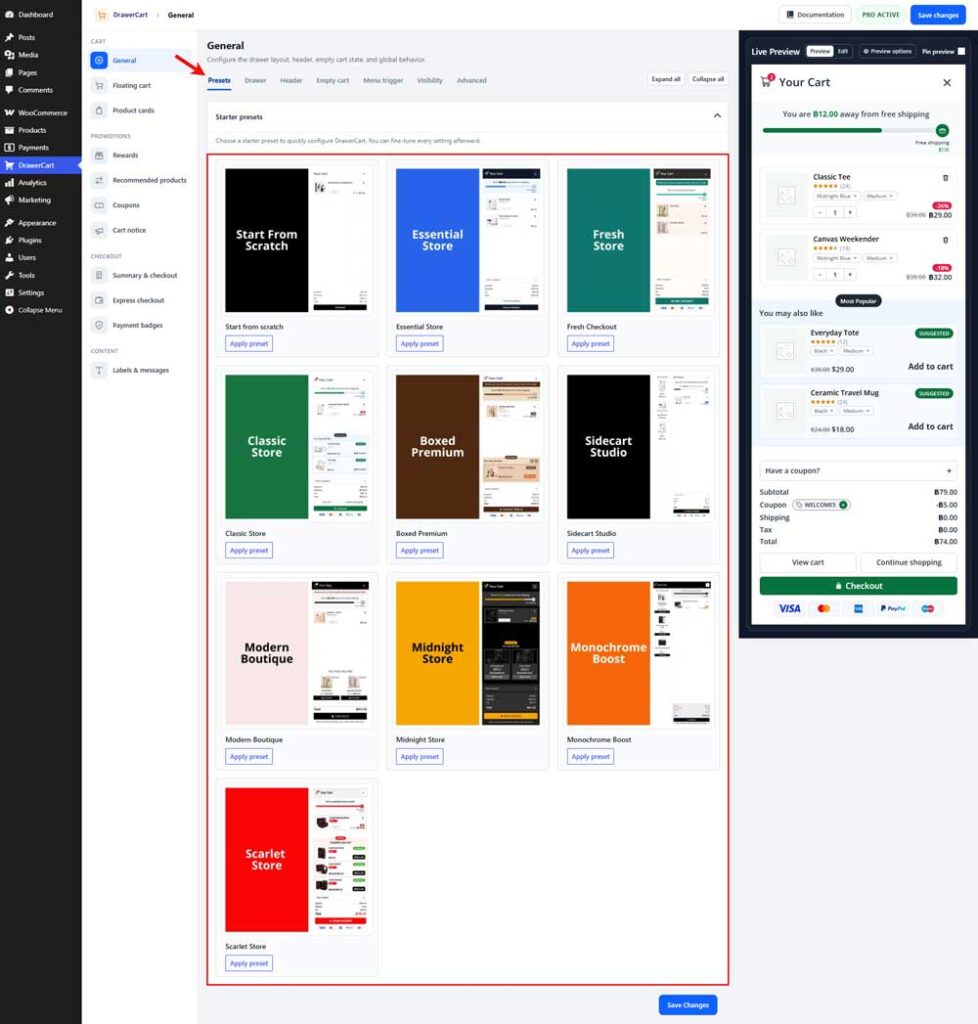
Navigate to Drawer Cart → General → Presets in your WordPress dashboard.
Browse the available designs and click Apply preset below the preset you want to use. The Live Preview will update so you can see how the selected design looks before saving it.
After applying a preset, you can customize every setting individually from the other sections of the plugin.